What is 'sudo' ?
Sudo is a command-line tool in Unix-like systems for executing commands with elevated privileges, typically as the superuser or root. It enables users to perform administrative tasks securely, like installing software or modifying system configurations. Sudo helps maintain system integrity by allowing controlled access to privileged commands while preventing unauthorized use. - Chat GPT
Sudo often requires current users password to execute associated commands.
The interface for entering your password in your terminal is less user friendly. You can't know how many characters you actually typed. Even though backspace works you can't actually know how much characters you deleted.
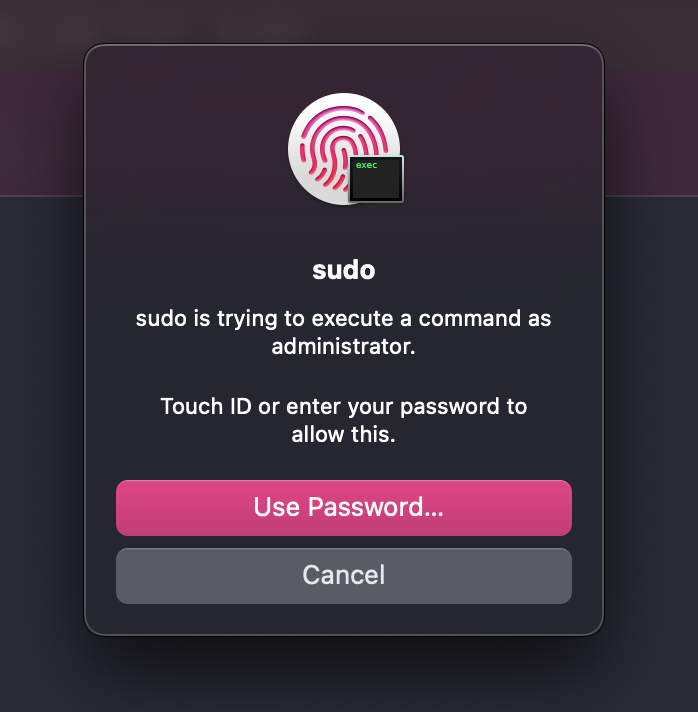
Luckily for Mac users you can use your touch id (only if you have enabled it) to authorize sudo commands by following these simple steps
Step 1
Open your favourite terminal and run the following command
$ cd /etc/pam.d/
First cd into PAM (Pluggable Authentication Modules) directory which contains a sudo_local.template file that is executed every time you perform sudo operations
Step 2
Open the sudo local template file.
$ cat sudo_local.template
The file should have the following contents
1. # sudo_local: local config file which survives system update and is included for sudo
2. # uncomment following line to enable Touch ID for sudo
3. # auth       sufficient     pam_tid.so
Notice line 2. It says uncommenting line 3 will enable touch id for sudo
We don't want to modify the template but rather create sudo_local file in the same directory
Step 3
$ sudo cp sudo_local.template sudo_local
This creates a new file sudo_local in the same directory
$ sudo vim/nano sudo_local
Un comment line number 3 and save the file.
NOTE: If you use vim you must overwrite the file using :wq! to save the file
Step 4
Open a new terminal window try performing any sudo commands. Now your touch id prompt will be displayed